Payment Button vs Payment Page: Which CoinRemitter Feature Is Best for Donations
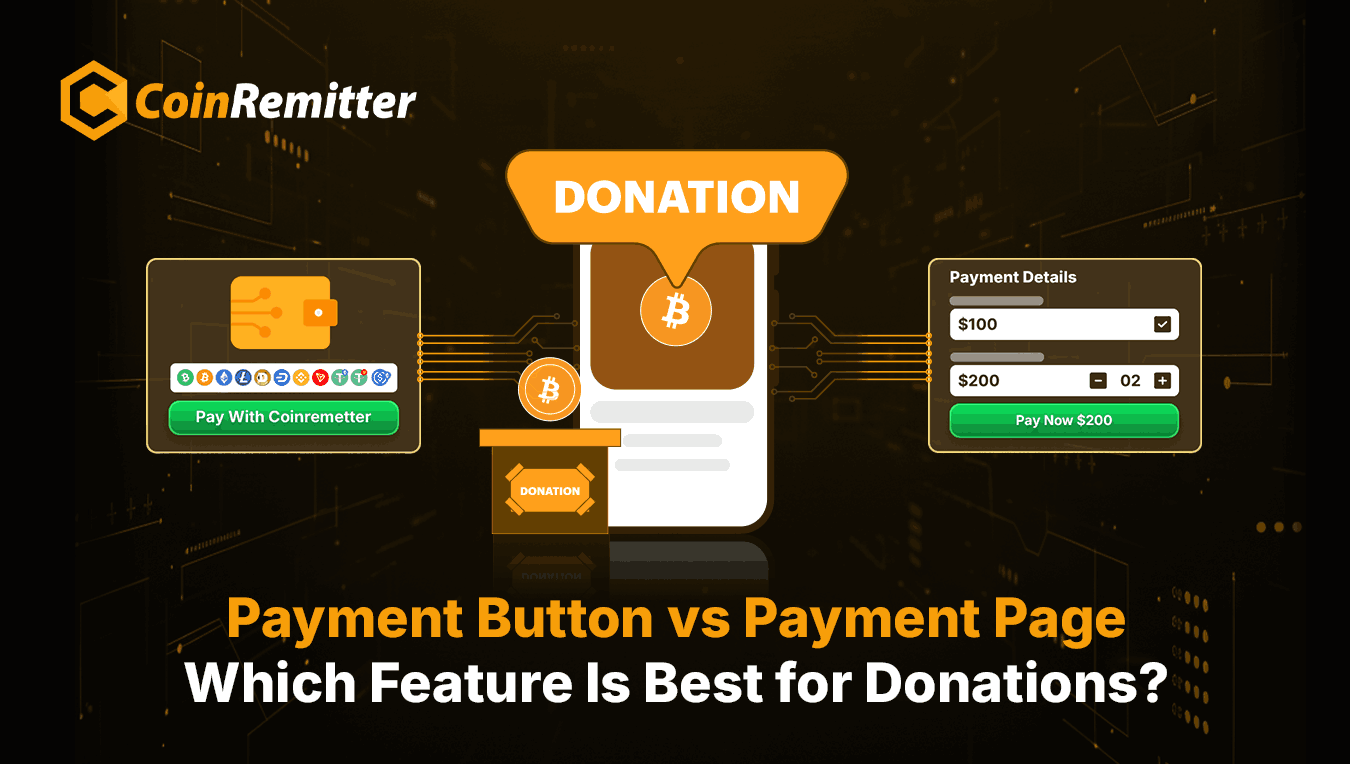
Recently, our crypto payment processor launched its set of features under ‘Widgets’. The Payment Button and Payment Page are two features in the same set/category. These features were launched to encourage crypto donations. However, many organizations still get confused when choosing the best option for them. So, here we’re going to help you decide which CoinRemitter feature is ideal if you want to accept crypto donations. But before that, let’s understand the basics of these features.
Payment Button
As the name suggests, the Payment Button Widget lets you accept payment in crypto via a button. Here, our crypto payment gateway offers a complete, user-friendly infrastructure to create and integrate a button that includes crypto payment functionality. You can accept crypto payments or donations using the Payment Button in just a few easy steps.
- Create/Design a Button: This process doesn’t include designing a button from scratch using a professional design tool. Instead, the system provides a built-in configuration panel, where you can choose colors and write texts based on your requirements.
- Set Up Payment Functionality: This process may also sound complex, but it’s quite easy. You have to choose a fiat currency to display pricing, then you can connect/link your CoinRemitter wallets for incoming transactions. Then you can add input fields to the user’s side.
- Get the Code: The best part of this feature is that you don’t have to write code manually for crypto payment integration. Our cryptocurrency payment gateway will analyze your requirements and generate the necessary code. This code can be used with your website’s source code to place the button on your platform.
Payment Page
The Payment Page Widget feature lets you accept payment in crypto via a complete, functional web page. Here, too, you get a user-friendly infrastructure to create a dedicated page to accept crypto payments. Unlike the Payment Button, this feature doesn’t require crypto payment integration. To accept crypto payments using the Payment Page, you can consider the following steps:
- Create a Page: Creating a payment page also doesn’t require any extensive web design skills. Here, you get a ready-made webpage-like configuration panel with modification options. You can set a page title, name, description, T&Cs, and optional contact details.
- Set Up Payment Functionality: Here, this process is slightly lengthier compared to the crypto payment setup with the Payment Button. Here, you can enter your amount or let customers decide how much to pay. Then you can set up input fields and connect wallets for incoming transactions.
- Get the URL: This widget doesn’t have any integration process, as you get a URL to the page in the output. You can redirect donors to this URL to pay with crypto.
Key Differences Between the Payment Button and the Payment Page
Both features may have similar use cases, but they have some differences. Here, we will look at those differences, so you can choose what suits your organization.
What’s Different in the Payment Button
- Minimal Interface: The Payment Button doesn’t require much space on your web page. It can fit anywhere on the website without requiring any major modification.
- JavaScript Code: You get auto-generated JavaScript code as an output of the Payment Button Widget. You can use it to integrate the payment button into your website.
- Fixed Amount: The Payment Button lets donors make payments in the amount you entered.
What’s Different in the Payment Page
- Complete Page Layout: Here, you can request donations on a full-page layout that you can customize to your brand’s theme.
- URL: With the Payment Page Widget, you get a URL instead of code, where you can redirect donors to make crypto donations.
- Custom Amount: This is the biggest difference between the Payment Button and the Payment Page. With this feature, you can allow donors to pay the amount they enter. However, you have to display a default amount and set minimum and maximum limits.
Final Thoughts: Which Feature is Best for Your Organization
Both features are equally good and offered by our reputable crypto payment processor. So, the final decision depends on your organization’s requirements.
Choose the Payment Button If
- If you already own a website and don’t want to give a large space to the checkout.
- If you want to attract donations through a call-to-action button.
- If you want to accept donations in a pre-decided amount.
- If you can integrate cryptocurrency payments into your website using the auto-generated code.
Choose the Payment Page If
- If you want a custom, branded web page to accept crypto payments.
- If you don’t own a website and want to accept donations just by sharing a URL.
- If you want to give donors the freedom to enter the amount.
- If you want to create a crypto donation page for free with minimal effort.
Recent News
Over 38,000 merchants are using CoinRemitter
Join them now