How Do I Build a Custom Crypto Checkout with an API?
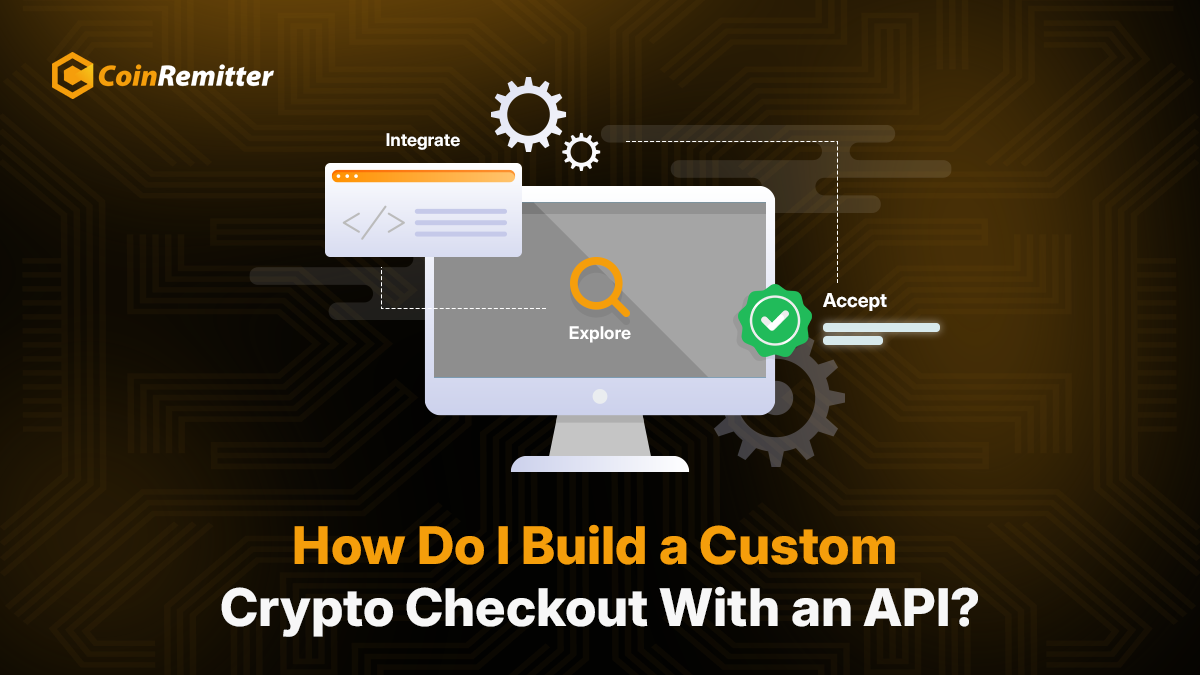
The checkout process is a key decision point in online shopping. A long or complicated checkout process may make buyers leave the platform. Some may leave because the platform doesn’t offer enough payment methods. Cryptocurrency payments have emerged as a modern and reliable payment option. Businesses that accept payment in crypto know the benefits.
But adding a payment method means hiring a developer. It may take weeks and cost thousands of dollars. Coinremitter’s crypto API saves you from both. It turns “add pay-with-crypto” from an engineering project into a handful of documented calls. Your customers get a branded checkout to pay. Let’s see how you can do it.
Custom Checkout Benefits Over Ready-to-Use Solutions
Ready-made crypto plugins work great. But they aren’t as flexible as an API. WooCommerce, Magento, PrestaShop, and OpenCart stores can install a plugin and go live in about 12 minutes. But they are less flexible for customizations.
A custom checkout lets you control everything:
- Available payment options
- Element positioning
- Payment status updates
- Validity
That control isn’t a luxury for businesses with unusual payment logic. It’s the whole point.
The demand sitting behind that checkout is real. Businesses offering easy payments can capture a large market. The crypto payment gateway market is growing quickly.
What a Crypto Payment API Actually Gives You
An API is the communication link between your checkout and a crypto payment gateway. You call an API with necessary information. A unique response comes back. Your site never touches the blockchain itself. The gateway watches for the transfer. Then it counts confirmations and notifies your server when a payment arrives.
A solid crypto payment API exposes a short list of moves
- Create an address
- Generate an invoice
- Check payment status
- Pull transaction history
Our crypto payment gateway’s API documentation covers exactly that. It has:
- RESTful endpoints
- JSON responses
- Signed webhooks
- Code samples in multiple languages
Webhooks deserve special attention. Without them, your checkout polls the blockchain or begs customers to click “I’ve paid.” With them, your server gets a notification the second a payment confirms. Order marked paid. Receipt sent. Fulfillment triggered. No refresh button required.
The Build: Five Steps From Signup to Live Payments
Step 1: Create your account. Sign up for Coinremitter with an email. No KYC and no document uploads. No waiting for verification. Registration is completed quickly.
Step 2: Create wallets for the cryptocurrencies you want to accept. See the full list of supported cryptocurrencies. Each wallet has credentials for API calls.
Step 3: Connect your checkout with the API. Your backend calls Create New Address or Invoice with the amount and coin during the payment. The response includes necessary payment details. Crypto payment integration is complete here.
Step 4: Wait for webhooks. Set a webhook URL from wallet settings. When the gateway fires a confirmation, check the transaction in your wallet. Mark the order paid once it reflects in your wallet. For a deeper walkthrough of how this flow works end to end, our guide on what a crypto payment API does breaks down each call.
Step 5: Test and go live. Swap your TCN wallet credentials with the real ones. Run a sample transaction before going live.
Test Everything With Test Coin First
Here’s a step most teams skip and regret. Going straight from development to live payments means debugging webhook handlers with real money on the line.
Create a Test Coin (TCN) wallet and get 10 TCN. Test Coins run through the same API endpoints as Bitcoin or USDT. Deposits, confirmations, webhook callbacks, the lot. You validate the entire checkout without risking a single dollar. Up to 2 test wallets per account, so there’s room for staging and development.
When testing passes, swapping in live credentials is a config change. Nothing else moves.
Why Builders Pick Coinremitter
- No KYC: Email, password, 3 minutes. You’re building the same day.
- 0.23% per transaction: Same rate on Free and Pro. No hidden charges.
- 11 cryptocurrencies: One integration method for all currencies.
- Risk-free testing: 10 free Test Coins validate every endpoint before real funds move.
- 99.9% uptime, zero breaches in 8 years: Your checkout doesn’t go down. Neither does your revenue.
Conclusion
A custom crypto checkout doesn’t need a six-week roadmap. API credentials in 3 minutes, a working test flow by lunch, live payments by the afternoon. Customers are asking for crypto at checkout. 88% of surveyed merchants say that. They’re not going to wait forever.
Create your free Coinremitter account, pull up the API documentation, and accept crypto payments.
Recent News

Over 38,000 merchants are using CoinRemitter
Join them now