How to Integrate a Cryptocurrency Payment API Into My Website

Adding crypto checkout to your website sounds like a two-week engineering project. Most developers expect it to be. A solid crypto payment API can take you from signup to a live payment in about 12 minutes in reality. You have to know what’s ready-to-use and what’s not. Get that division right. Then the integration is surprisingly simple. This guide walks through the whole process:
- Choosing your approach
- Connecting the API
- Testing before real transactions
What a Crypto Payment API Actually Handles
A crypto payment API does the hidden work behind every crypto checkout.
- Generates a unique wallet address for each order
- Watches the blockchain for confirmations
- Pings your server the moment funds arrive
You’ll have to handle all tasks manually if you don’t integrate cryptocurrency payments. Most business owners don’t want to maintain payment infrastructure. They want to sell.
Here’s what the API typically touches:
- Address creation – A fresh address per transaction for reduced confusion.
- Invoice generation – A record of all the payment details.
- Payment status – Shows whether the payment is done or pending.
- Webhooks – Callbacks (notifications) for incoming transactions.
The real question isn’t whether an API can do this. It’s how much you have to wire up yourself. CoinRemitter’s RESTful API returns JSON. It ships with code examples and exposes every function through a documented endpoint. You call it and get a response. Then your checkout updates.
Pick Your Integration Method Before You Write Code
Not every website needs a custom API build. You can use a crypto payment plugin if your website supports one. There are only three steps:
- Download
- Install
- Configure
Custom platforms are where the API earns its keep. On Laravel, Node.js, PHP, or something bespoke, the API gives you full control over the payment flow.
Then there are other solutions that don’t require manual coding. These solutions are known as widgets. They generate embeddable code or a shareable URL. You can copy-paste that code into your checkout.
Matching the method to your setup saves hours. A plugin on WooCommerce beats hand-rolling an API integration that does the same job.
How to Integrate a Crypto Payment API in Five Steps
Once you’ve picked your method, the API path follows a predictable sequence.
- Create a merchant account. Signing up is quick. No KYC, no approval queue. You get credentials immediately.
- Create a wallet. One click in the dashboard. This is where customers send funds. CoinRemitter’s custodial setup means you don’t manage private keys.
- Collect your wallet credentials. You have to get a wallet’s API key and password. Keep them private. Never ship them in client code.
- Call the API. Two endpoints cover the basics for most businesses. Those are ‘ Create New Address’ and ‘Generate Invoice‘. The API returns JSON you parse into your checkout.
- Wire up the webhook. Point the callback URL at your server. When a payment confirms, the API fires a request so the order updates automatically. No polling required.
The API documentation lists every endpoint with request and response examples. This makes the job easy for you.
Test the Integration With Free Test Coins
Testing a payment integration with real money is a bad idea. One misconfigured callback and you’re reconciling live transactions by hand. That’s why the smart move is a sandbox. It is a safe copy of the live environment.
This crypto payment gateway solves this with Test Coin (TCN), a free testing cryptocurrency. Create a test wallet and 10 TCN land in it automatically. You can run the entire flow from there:
- Create addresses and invoices
- Simulate incoming payments
- Trigger webhooks and confirm your handler responds
- Test expired invoices and other edge cases
TCN behaves like any other coin on the platform. That’s why your test environment mirrors production. You can go live if the integration works properly. No rewrite, no surprises. The Test Coin guide walks through each step.
What Integration Costs and What It Saves
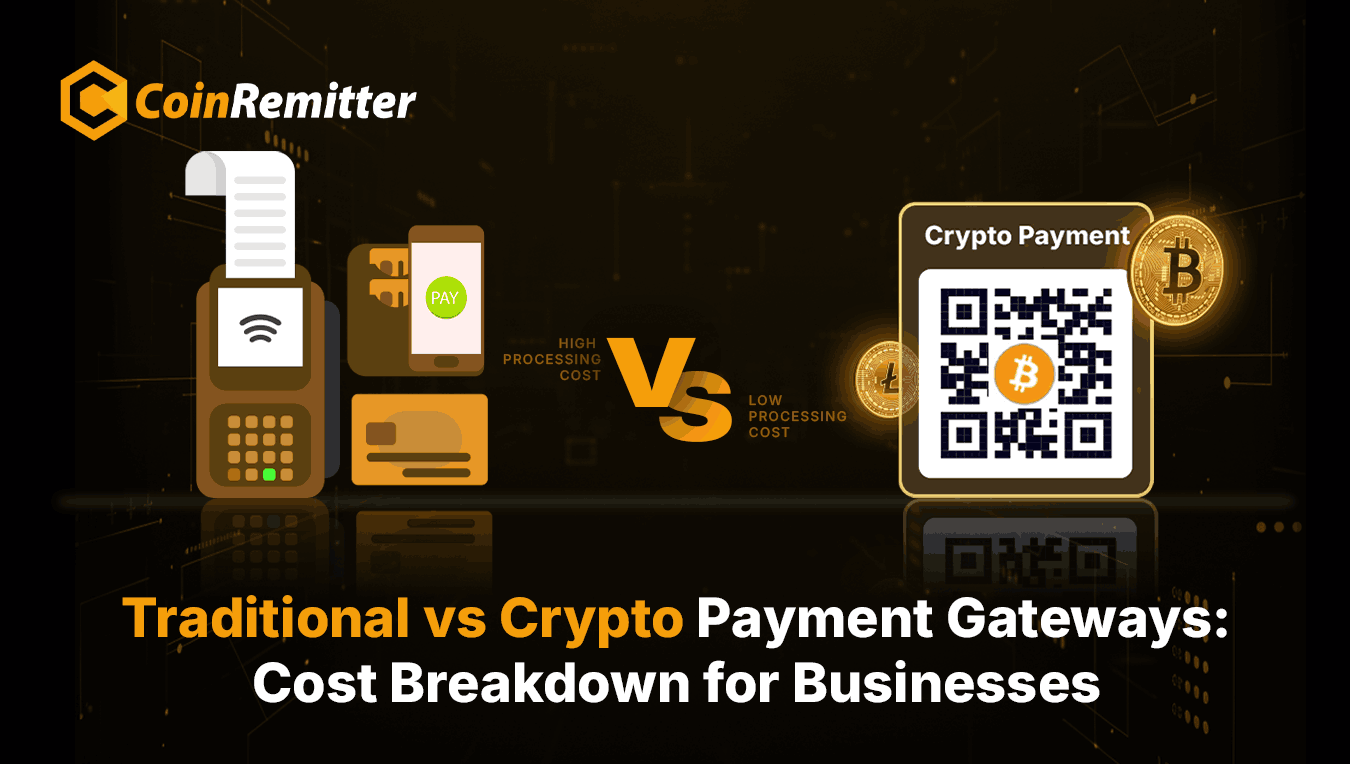
Integrating crypto payments has a price tag, and it’s smaller than most owners expect. Card processors take 2.9% plus $0.30 per sale. On a $1,000 order, that’s $29.30 gone.
This crypto payment gateway charges 0.23%. This is less than even 10% of the traditional fees.
Setup costs nothing on the free plan, and plugins carry no extra charge. Pro features like USDT, ETH, and the Gas Station run about $99 a month, which pays for itself on stablecoin-heavy volume. The fee structure has no hidden line items.
For a deeper look at how these methods fit different business stages, our breakdown of integration solutions for growing businesses is worth a read.
Why Businesses Choose CoinRemitter for Integration
- No KYC: Sign up in 3 minutes and get API credentials without identity documents.
- 12-minute average integration: Two endpoints for basic checkout, documented examples for everything else.
- Free test environment: 10 Test Coins let you validate the full flow at zero risk.
- 0.23% flat fee: Roughly 12x cheaper than traditional gateways. There are no hidden fees either.
- Ready-made plugins: Supported platforms need no crypto-specific manual code.
Conclusion
Integrating a crypto payment API isn’t a multi-week project now. Choose the right method and call two endpoints. Test it with free coins before going live. Nearly 9 in 10 merchants now field customer questions about crypto payments, according to a January 2026 PayPal and National Cryptocurrency Association survey. Adding it stops being optional.
Ready to take payments in crypto? Create your free CoinRemitter account, grab your API keys, and be live before your next sale.
FAQs
What is a webhook in a crypto payment API?
A webhook is a notification sent to a URL when any event occurs. Webhooks in a crypto API are enabled to get notified of incoming transactions.
What is JSON? Why do payment APIs use it?
JSON is a data format. It is used to exchange data between applications. APIs use it because most programming languages can read and process JSON data. It is used to send necessary payment information.
What are blockchain confirmations? Why are they important?
Confirmations show how many blocks have been added to the network after adding the transaction. They are important because they help gateways know that the payment is ready to be accepted.
What happens if a customer pays less than the required cryptocurrency amount?
The payment may be marked as ‘underpaid’ in this case if it is made through an invoice. The business can decide on delivery in case of incomplete P2P transactions.
Can I accept crypto payments from international customers?
Yes. Coinremitter supports 130+ countries. You can accept payments from any customers belonging to these countries.
Recent News
Over 38,000 merchants are using CoinRemitter
Join them now